 YONODUNIYA.COM
Quick answer: which Yono app problem do you have?
| Problem | Start here |
|---|---|
| Install nahi ho raha / parse error | Check completed download, Android compatibility, free storage and package/signature conflicts. |
| App open nahi ho raha | Record where it stops, test another connection, restart once and check whether the same service is unavailable for other users. |
| Login problem | Save the exact error and confirm the exact app identity before resetting or reinstalling. |
| OTP not received | Check the entered number, SMS reception and request rate; never share an OTP with support contacts. |
| Withdrawal pending | Preserve request date, displayed status and reference details, then compare with the withdrawal-status guide. |
Capture the problem first
Write down what you expected, what happened instead, and the exact screen where it occurred. Record the device model, operating-system version, and app version. A short description such as “loading stops at 24% after opening” is more useful than “not working.”
Start with reversible checks
- Close and reopen the affected app once.
- Check whether another ordinary service works on the same connection.
- Confirm that the device has free storage and is not overheating.
- Restart the device if several apps are affected.
- Check the device’s date and time settings.
- Change only one condition, then repeat the original action.
Match the symptom to the check
| Symptom | Low-risk check | What to record |
|---|---|---|
| Loading stops | Compare behavior on an ordinary working connection. | Progress shown, elapsed time, exact error. |
| Layout is clipped | Check display scaling, orientation, and text size. | Which control is hidden. |
| Sound is absent | Check device and in-app sound settings separately. | Whether other apps produce sound. |
| Only one app fails | Check attributable release or service information. | App version and time of occurrence. |
| Repeated verification error | Stop repeated attempts and use the verified recovery channel. | Error text, with codes and personal details omitted. |
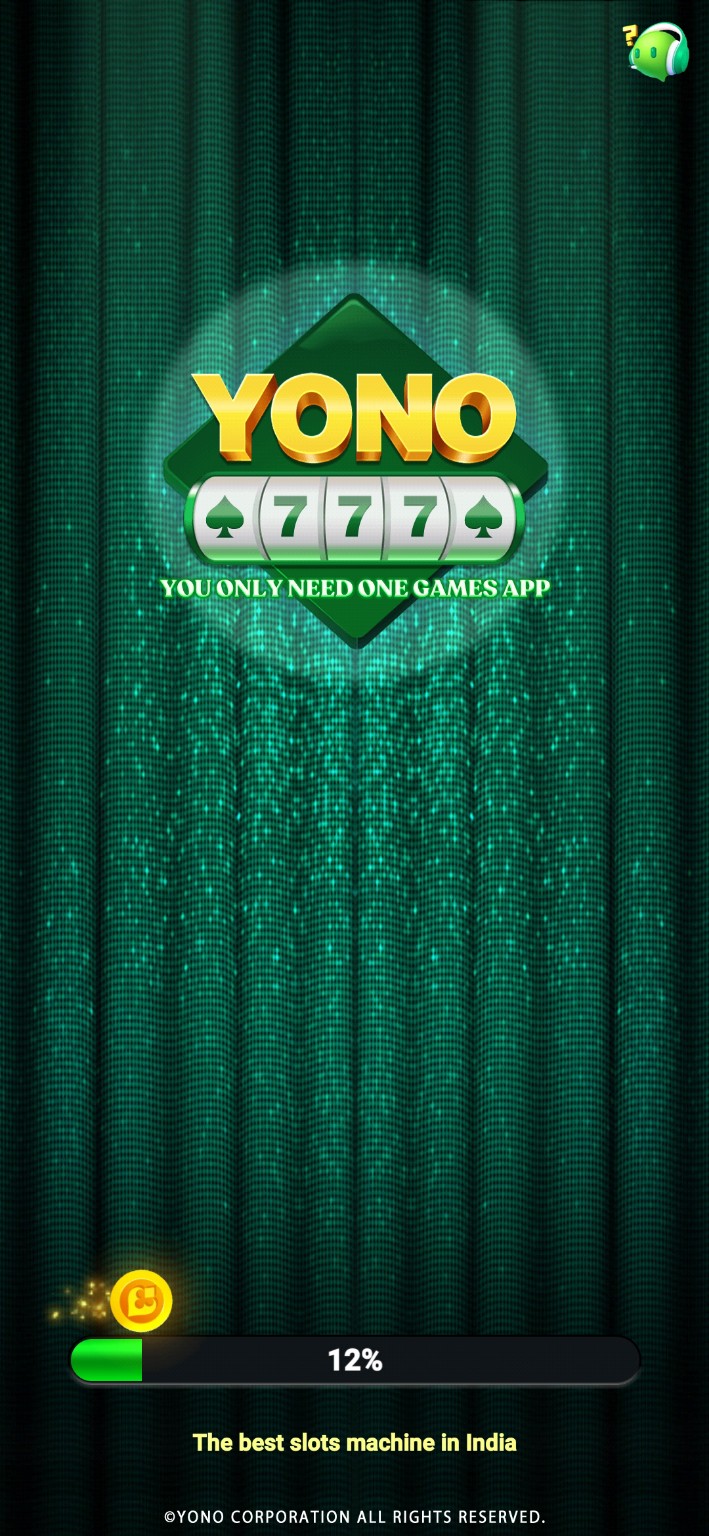
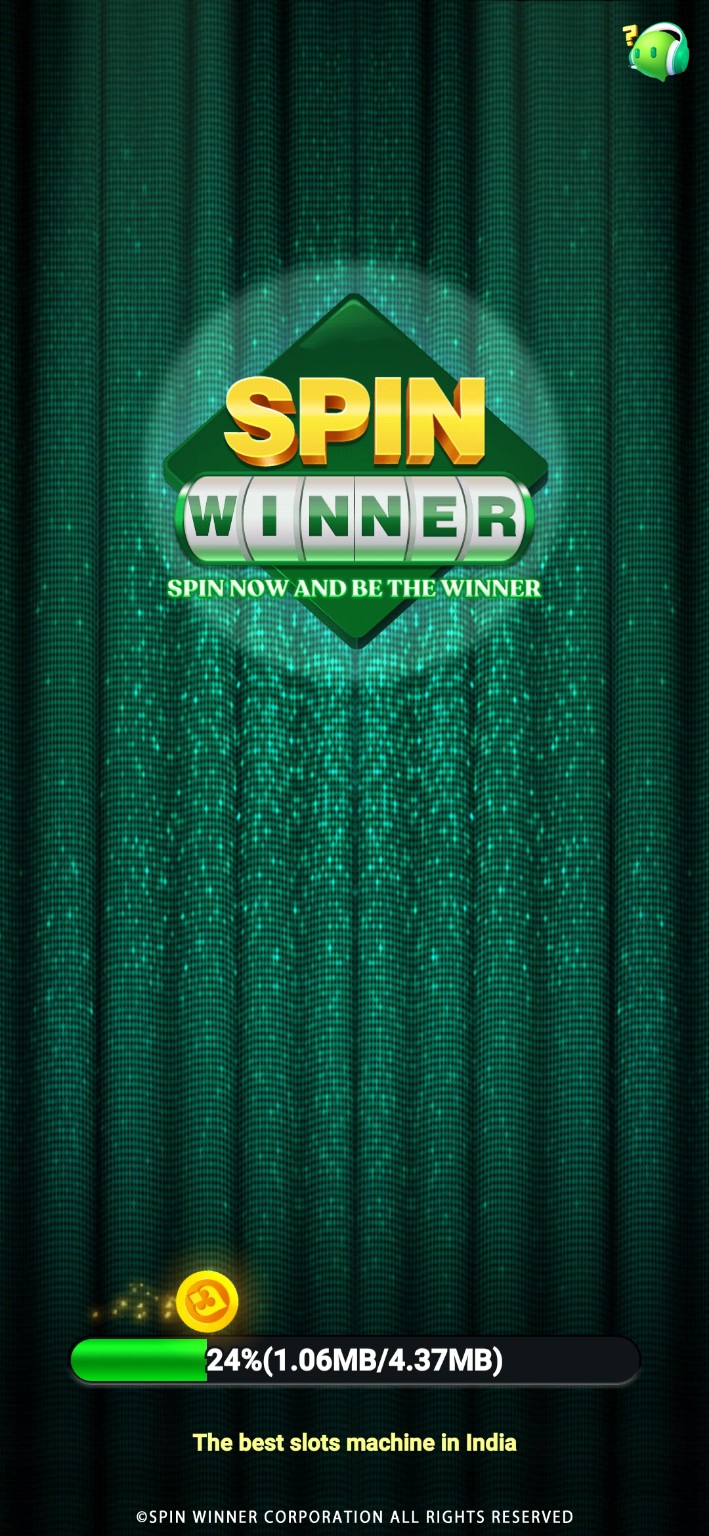
Loading-screen examples
Protect data before clearing storage
Clearing an app’s storage or uninstalling it can erase locally held data or sign you out. Cache and storage are different settings. Confirm what is recoverable before taking an action that removes data; do not repeat destructive steps while hoping for a different result.
A support report that helps
Use this pattern: “On [device] with [OS] and [app version], opening [screen] produces [exact error]. It began [time]. I tried [one check] and observed [result].” Send it through a verified support route. Remove account identifiers, payment details, and verification codes from attachments.
Frequently asked questions
Does a loading image prove an outage?
No. It shows a moment in one device session; an outage needs additional evidence.
Can Yonoduniya access my game account?
No. Yonoduniya is an independent reference site and cannot repair accounts or process transactions.
Should I keep retrying a payment?
This guide does not provide payment instructions. Use your financial provider’s established support process for an unresolved transaction.
Yono app troubleshooting decision tree
Start with the exact symptom instead of reinstalling a different APK immediately. A failed install, blank loading screen, OTP delay, login error and pending withdrawal are different problems and need different evidence.
| Symptom | Check first | Avoid |
|---|---|---|
| APK will not install / parse error | Download completion, storage, Android version, conflicting installed package. | Trying multiple unknown files from unrelated sites. |
| App opens then closes | Restart device, check Android compatibility, note exact build/source and error. | Clearing all app data before recording account/recovery details. |
| Stuck on loading screen | Switch network, check whether other services work, then check whether multiple users report the same outage. | Assuming the phone is the problem without testing connectivity/service status. |
| Login failed | Exact error text, phone/account format, session state and service availability. | Sharing password or OTP with somebody claiming to fix the account. |
| OTP not received | Signal, entered number, SMS filtering and repeated request rate. | Rapid repeated OTP requests or sharing the code. |
| Withdrawal pending | Save request date, status, reference and support replies; use the withdrawal tracker. | Paying an extra private “release” or “unlock” charge. |
Step-by-step: app install nahi ho raha
- Confirm the file finished downloading and has a plausible file size compared with the same trusted source.
- Check free storage and the Android version.
- If Android reports a package conflict, do not remove the old app until account/recovery information is safe.
- Record the exact error wording. “Parse error”, “app not installed” and “package conflicts with existing package” are different signals.
- If the source identity is unclear, stop rather than cycling through random APK mirrors.
Step-by-step: app open nahi ho raha
Force-close the app, switch between Wi-Fi and mobile data, restart the phone and record whether the failure happens before or after login. If many users report the same issue at the same time, a service-side problem becomes more plausible. If only one installed build fails, app identity/version compatibility becomes more important.
Step-by-step: login ya OTP problem
Check the mobile number carefully, wait before repeated OTP requests, make sure SMS reception works and note the exact error. Never give an OTP to support staff or another person. A legitimate authentication code is meant to stay private.
Step-by-step: withdrawal pending hai
Save a screenshot of the withdrawal request, date/time, displayed status and any reference number. Contact the support channel shown inside the same app. Keep later updates too—if payment eventually arrives, the resolution date is useful because YONODUNIYA tracks pending and resolved reports separately.